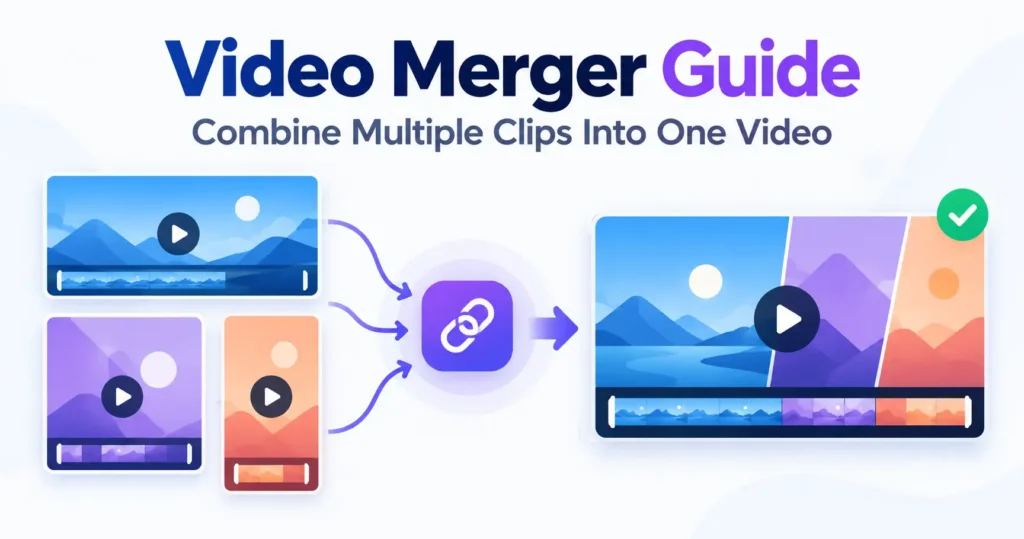
Why joining means re-encoding everything
Files can only sit together in one container if they share a resolution, a frame rate and a codec, and clips gathered from different sources almost never do. Copying them together regardless would produce a file that plays the first clip and then breaks. So the Video Merger re-encodes every clip into one common target rather than stitching the originals, and the list states what will change about each one — scaled, reshaped, given silence — before any of it happens.
The output shape follows the first clip by default
Whatever the first clip in the list is assumed to be the main video, and everything else is matched to it rather than the other way round — a short intro or a closing card should adapt to the main footage, not force it to change shape. A fixed output shape can be chosen instead when the result is headed somewhere specific that expects a particular size.
A mismatched clip is filled, never stretched
Where a clip is a different shape from the target, it is scaled to fit and the space around it filled with an enlarged, blurred copy of the same frame — nothing cropped, nothing left black. Stretching a clip to force it into the wrong shape is deliberately not offered as an option, because a stretched frame looks wrong to everyone who sees it, not just to whoever is fussy about it.
Silence is written for whatever has none
A silent clip sitting in the middle of the sequence still needs something written to the audio track for its full duration. Leave that gap empty and the sound for every clip after it starts arriving early, drifting further out of step with the picture the longer the file runs. Silence of exactly the right length keeps the two tracks together.
Order comes from the list, not the file names
Clips join in whatever order they appear in the list, and that list can be reordered after adding them. Selecting several files at once adds them in whatever order the browser happens to hand them over, which is not always alphabetical or upload order — worth checking against the list before starting rather than assuming it matched what was picked.
Where the sound can go missing
MP4 audio needs the AAC codec, which Firefox cannot encode on any platform and no browser can encode on desktop Linux. Chrome, Edge and Safari keep the audio in the joined file.