What actually limits a run is the frame count, not the video’s length
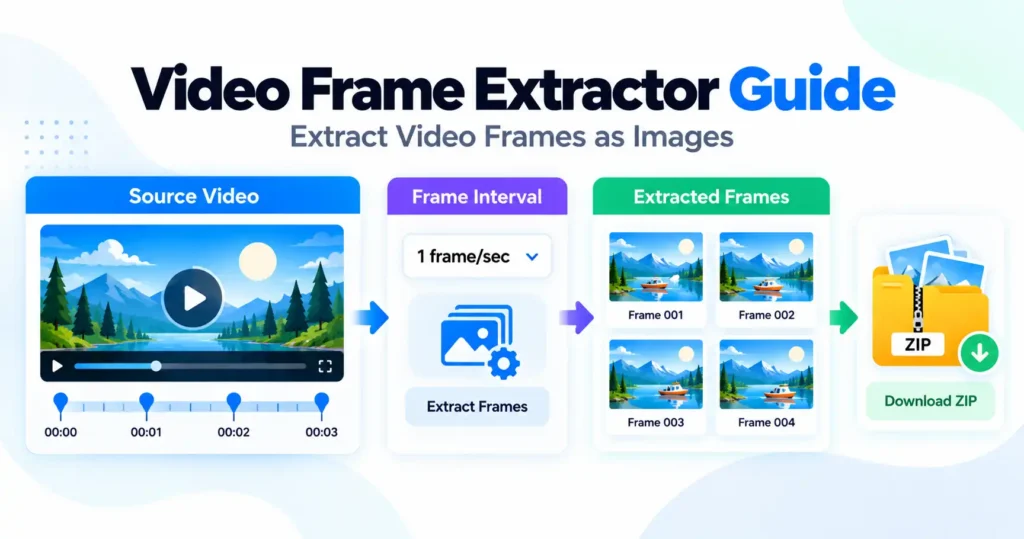
Both the time a run takes and the memory it needs scale with how many frames are captured, not with how long the source video is — a twenty-minute clip is a comfortable job at one frame per second and an impossible one at every frame. The Video Frame Extractor calculates the frame count, the estimated size and the estimated time before anything runs, so that trade-off is visible while there is still a setting to change rather than discovered when a tab stops responding.
Fifteen hundred frames is the ceiling, and it is set for a phone
The finished ZIP is assembled in memory, and that is roughly where a mid-range phone runs out. Twenty minutes of footage at every frame is on the order of thirty-six thousand images and several gigabytes — a desktop job for different software entirely, and the tool says so up front rather than letting a long run fail partway through. One frame per second from the same video comes to a little over a thousand images, which is what most people asking for frames from a long recording actually want.
Frame-exactness depends on the browser
Chrome, Edge and Safari can step through a video frame by exact frame. Firefox has no equivalent capability, so frames there are taken by seeking to a timestamp instead, and a seek can occasionally land on the same frame twice or skip one entirely. The gap is small on most footage and worth knowing about before treating every extracted frame as guaranteed unique.
JPEG is almost always the right format
A video frame is already lossy from whatever encode produced the original file, so saving it as PNG preserves those existing compression artefacts at roughly ten times the file size rather than adding any quality that was not there to begin with. JPEG is the appropriate match for source material that was never lossless in the first place.
What it cannot open
MP4 and WebM play everywhere and MOV nearly everywhere, but MKV, AVI and ProRes will not load at all, because the browser cannot decode those containers regardless of what this tool asks of it. Converting to MP4 first resolves it — the limit sits in the browser’s own format support, not in a setting here.
Stopping keeps what has already been captured
Frames already extracted when a run is stopped are packed into a ZIP and offered as normal, so a range or interval chosen wrongly costs the time spent waiting rather than the frames already taken.