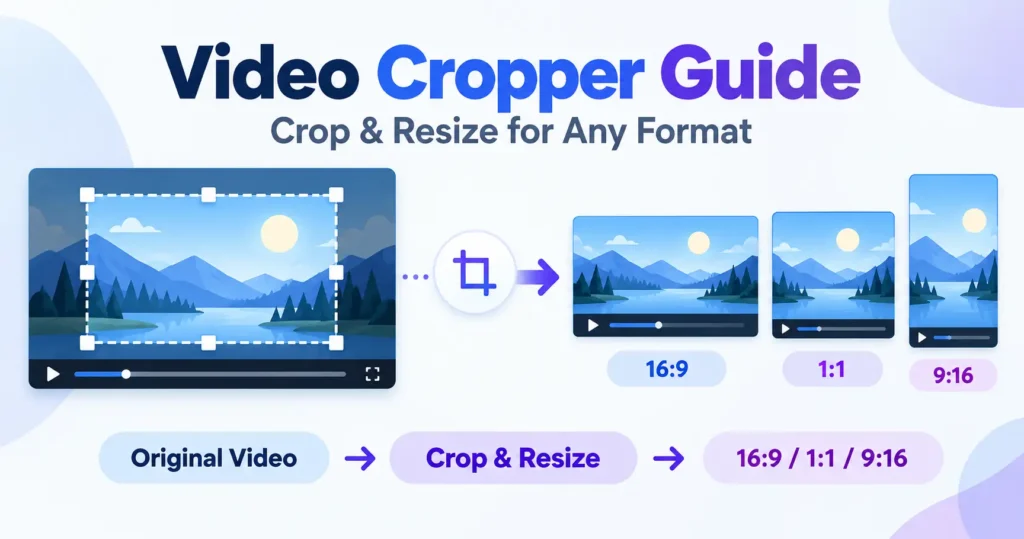
The size you enter is the short edge
Entering 1080 for a 9:16 shape produces 1080 wide by 1920 tall, not the other way round, because the short edge is what people actually mean by a resolution figure — vertical 1080p is 1080 wide. The ویڈیو کراپر اور ری سائزر reads the number that way for every shape on offer, which is the fix for an earlier version that read it as the long edge and quietly produced narrower output than anyone asked for.
Blurred fill is the default, and why
The whole frame is scaled to fit within the new shape, and the empty space left around it is filled with an enlarged, blurred copy of that same frame. Nothing is cropped out and no black bars appear, which is why it has become the convention on Instagram and most editing apps rather than an unusual choice here. On busy footage it reads as deliberate rather than as a compromise the video is making.
Fill and crop is cleaner, and it costs the edges
Filling the frame completely and cutting away whatever does not fit gives a cleaner, edge-to-edge result, at the cost of whatever was standing near the sides. Turning a widescreen recording into a vertical one this way discards most of the original width, so a subject who was not centred can disappear from the frame entirely. The crop position can be moved off centre to compensate once the estimate shows how much is being lost.
Fit with bars keeps everything and looks dated
Nothing is cropped and nothing is scaled to fill — the whole picture sits inside the new shape with flat colour making up the difference. It looks like an older broadcast format, which is exactly why it is the right choice on the occasions when the whole frame genuinely carries information: a screen recording, a diagram, anything where cropping would remove content rather than background.
Reshaping always re-encodes
Every frame is redrawn into the new shape and the video is encoded again afterwards, which is a small but real quality cost regardless of which fitting mode is chosen. It is worth reshaping from the best copy of a recording available rather than from something that has already been through this once.
A bigger output does not mean a sharper one
Choosing a larger resolution than the source spreads the existing picture over more pixels rather than inventing new detail to fill them, so the result looks softer rather than sharper. Starting from the largest version of a recording available is the only way to actually gain resolution.