Why it always re-encodes rather than copying
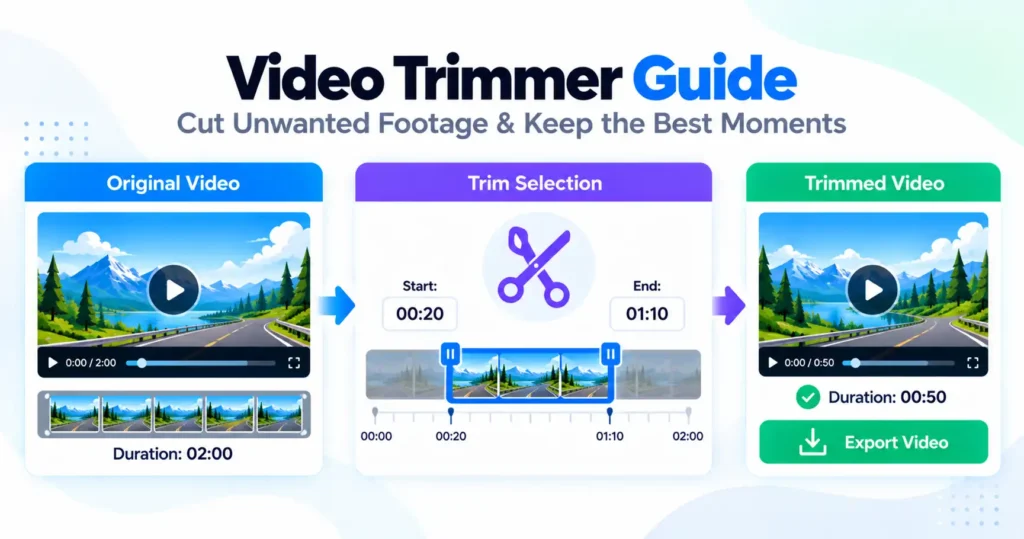
A video file can only begin playback at a keyframe, so cutting at an arbitrary second without re-encoding would have to either move the cut to the nearest keyframe or leave a broken opening. The Video-Trimmer re-encodes the kept range instead, which costs a small amount of quality and buys the one thing copying cannot: the cut lands exactly on the second requested rather than the nearest convenient one.
The bitrate preserves rather than reduces
Trimming is not treated as an opportunity to also shrink the file — the bitrate is chosen to hold onto the original quality as closely as a re-encode allows. Anyone who wants a smaller result as well has the compressor for that, which is a separate, deliberate choice rather than something trimming does as a side effect.
Timestamps start again at zero
Both the video and the audio are rebased so the kept section begins at 0:00 in the new file, rather than a trimmed clip whose first frame still claims to be four minutes into the original. Several players and uploaders read that stale timestamp literally and open the file paused on nothing until it catches up, which rebasing avoids entirely.
The audio decode is usually the slow part
Browsers offer no way to decode only part of an audio track, so the entire source audio has to be read before the wanted portion can be taken from it — trimming ten seconds out of an hour-long recording still means decoding the full hour of sound. On a long source, that is typically the step that takes the time, not the video encode itself, which only has to process the range actually being kept.
To remove a section from the middle instead
This tool keeps a single continuous range, so cutting a piece out of the middle and rejoining what is left is a different job, handled by marking the parts to keep as two separate sections rather than one.
Where the sound can go missing
MP4 audio needs the AAC codec, which Firefox cannot encode on any platform and no browser can encode on desktop Linux. The page states this before the run starts. Chrome, Edge and Safari keep the audio.